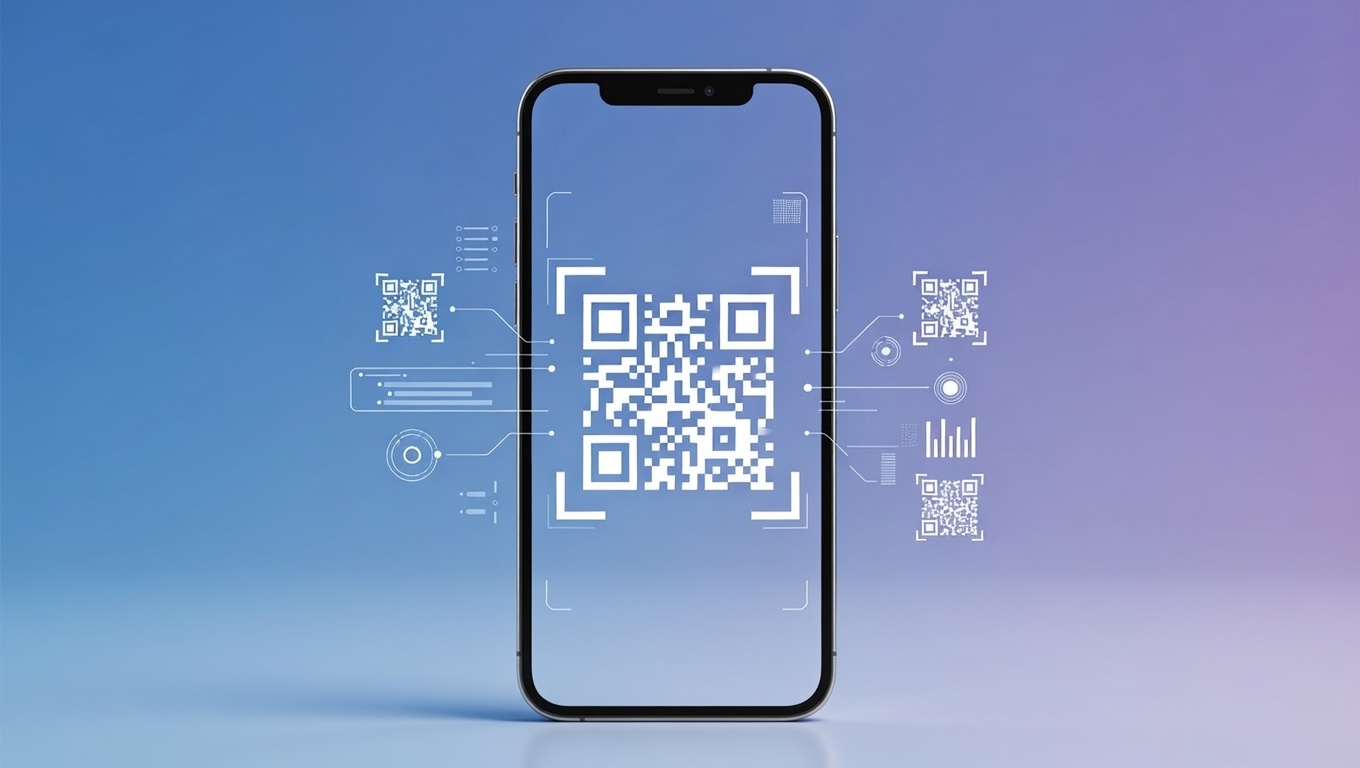
Ever found yourself tediously typing a long web address from a flyer into your phone, or watching someone struggle to manually add a dozen contact details? There’s a smoother way. Those clever little black-and-white squares—QR codes—have transformed how we share information, moving us from the physical to the digital with a simple scan. And the best part? You don’t need to be a designer or a coder to make one. Today, we’re diving into the world of the QR code generator online free—your instant ticket to creating functional, stylish, and effective codes for absolutely anything. Whether you're a small business owner, a marketer, an event organizer, or just someone planning a fun party, this guide will show you how to generate QR codes that work wonders.
What is a QR Code Generator, Really?
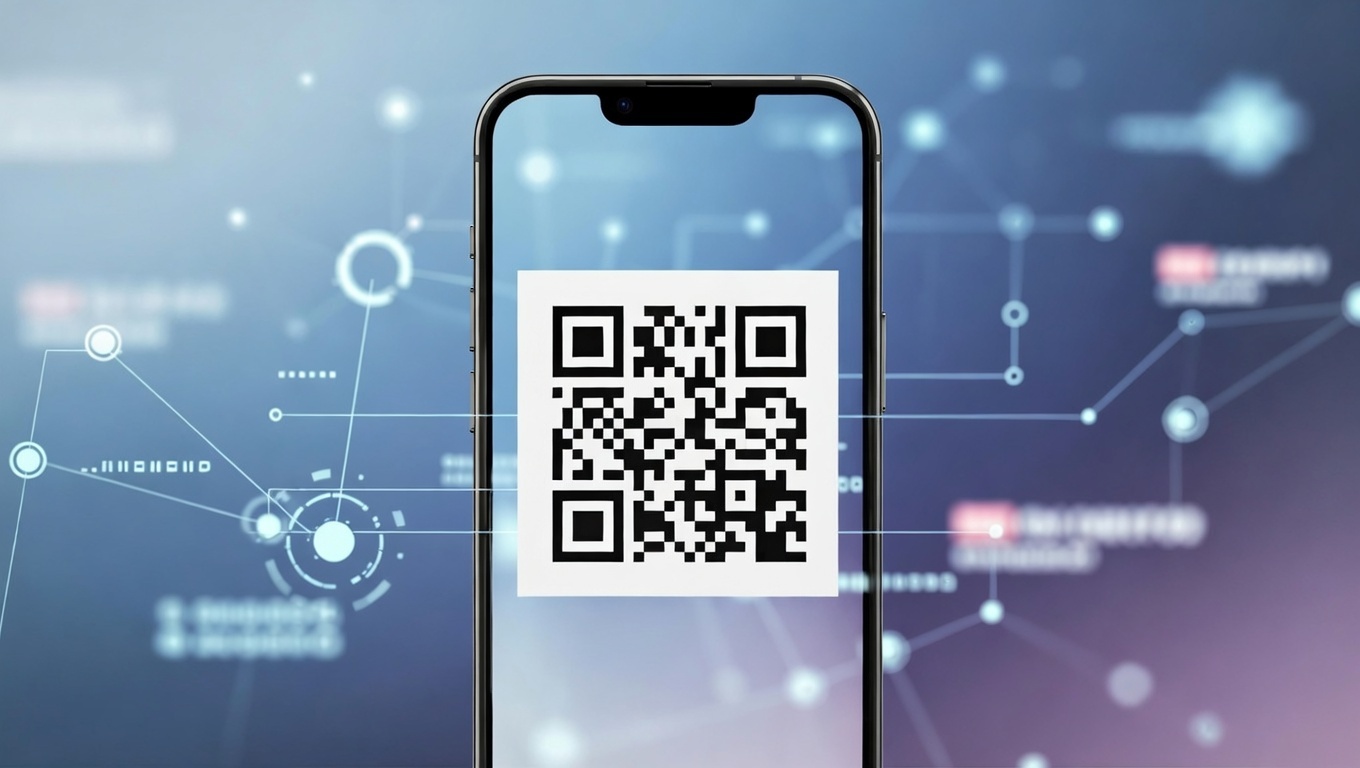
Let's strip it back. A QR (Quick Response) code is a two-dimensional barcode. Unlike the old-school vertical-line barcodes on your cereal box, it can hold a lot more data in a compact space. A QR code maker is simply the tool that translates your information—a website link, a phone number, a chunk of text—into that scannable pattern of squares.
Think of it as a bilingual translator. You speak in "human" (a URL), and it outputs "machine" (the QR pattern) that any modern smartphone camera or dedicated scanner app can instantly read and convert back into action. A free online generator does all this heavy lifting for you in your web browser, no downloads or tech degree required.
What Can You Create? (More Than Just Links!)
The magic of a good QR code generator online free tool is in its versatility. Beyond just website URLs, you can typically create QR code solutions for:
- Contact Details (vCard): Perfect for networking. A scan instantly saves your name, number, email, and title to someone's phone.
- Wi-Fi Login: The end of shouting your complicated Wi-Fi password across the room. Guests scan and connect instantly.
- Plain Text: Display a message, a poem, instructions, or even a secret clue for a scavenger hunt.
- Email or SMS: Pre-populate an email message with a subject and recipient, or a text message with a number and body.
- Payment Links: Connect to PayPal, Venmo, or other gateways for easy, touch-free payments.
- App Store Links: Direct users straight to your app’s download page on the iOS or Android store.
How to Use a Free QR Code Generator: A 60-Second Walkthrough
If you can follow three steps, you're an expert. Seriously, it’s that simple. Here’s the universal process to generate QR codes for any need:
- Choose Your Content Type: Go to a free generator website. Select the type of data you’re encoding (URL, vCard, Wi-Fi, etc.).
- Input & Customize: Fill in the required field (paste your link, type your text). Now, get creative! Most free tools let you pick a color (brand alignment matters!), change the pattern of the dots, and even add a simple logo or icon in the center. This is where your code goes from generic to branded.
- Generate, Test, and Download: Click the "Create QR Code" or "Generate" button. CRUCIAL STEP: Immediately test it with your own phone’s camera. Does it go to the right place? Once confirmed, download your high-resolution PNG or SVG file. You’re done!
Why Bother with a Free Online Tool? The Benefits Are Clear.
You might wonder if "free" means limited or low-quality. For most personal and business purposes, that’s simply not the case anymore. Here’s why using a free QR code maker is a no-brainer:
- Zero Cost, Zero Risk: Experiment to your heart's content without budget approval. It’s perfect for testing ideas, one-off projects, or startups watching every penny.
- Unbeatable Convenience: Access it from any device with a browser. No software to install or update.
- Speed: From idea to finished, downloadable asset in under a minute. This agility is a game-changer for last-minute projects.
- Built-In Smarts: Many free platforms now include a URL shortener (creating cleaner, simpler codes) and basic tracking analytics. This lets you see how many times your code has been scanned—invaluable data for a campaign.
- Democratizes Design: You don't need a graphic designer to get a professional-looking, on-brand code. The customization tools put you in control.
QR Codes in Action: Real-World Use Cases You Can Steal
Seeing is believing. Here’s how people are using free generators to solve everyday problems and create clever connections.
For Business & Marketing
Add a QR code to your business card linking to your LinkedIn profile or a portfolio video. Place one on your restaurant table for a digital menu. Embed a code in a print ad that leads to an exclusive video or a limited-time coupon page. The ability to track scans from that ad tells you exactly what's working.
For Events & Hospitality
Use QR codes for seamless event check-in, linking to digital tickets. Feature them on conference materials to link to speaker bios or presentation slides. Hotels use them for contactless check-in guides, and restaurants have made them the standard for menus.
For Personal & Creative Projects
Stick a QR code on a holiday gift tag linking to a personalized video message. Add one to your wedding invitation pointing to your gift registry or day-of schedule. Create a "Resume in a Code" for your job applications. The possibilities are as broad as your imagination. For more on personal uses, check out our guide on [LINK]creative QR code ideas for home and life[/LINK].
Pro Tips for Creating QR Codes People Actually Want to Scan
Making a code is easy. Making an effective code requires a bit of savvy. Follow these best practices to ensure your codes deliver results.
1. Always Offer Value & a Call-to-Action
Never assume people will scan a random code. Tell them why they should. Use a short line like "Scan for the full menu" or "Scan to get 10% off." The value proposition is key.
2. Prioritize Scannability in Your Design
Custom colors are great, but ensure there is high contrast between the code and its background. Avoid overly complex background images behind the code. The "quiet zone" (the clear margin around the code) is sacred—don't invade it with other design elements.
3. Test Relentlessly on Multiple Devices
Before you print 5000 brochures, test your final QR code on different mobile devices (iOS and Android) and in various lighting conditions. Test the printed version, not just the screen version.
4. Consider Dynamic QR Codes for Campaigns
While most free generators create static codes (the destination is fixed), some offer dynamic options. A dynamic QR code lets you change where it points to after it's printed. This is perfect for long-term campaigns where a landing page might change, and it usually comes with more advanced tracking data. Learn about the pros and cons in our [LINK]static vs. dynamic QR code comparison[/LINK].
Frequently Asked Questions (FAQ)
Are free QR code generators really free? What's the catch?
Yes, they are genuinely free to use for creating standard, functional codes. The "catch" is usually that advanced features (like high-volume dynamic codes, team management, or premium templates) are behind a paywall. For probably 90% of users, the free tier is all they'll ever need.
Do my free QR codes expire or stop working?
A static QR code (the standard type) does not expire. The information is physically encoded in the pattern. It will work as long as the destination (e.g., a webpage) is live. Dynamic codes from some services may have usage limits on free plans.
Can I get in trouble for using a QR code? Are there legal issues?
You are responsible for the content your code links to. Don't use it to direct people to copyrighted material you don't own, malicious websites, or inappropriate content. Always ensure you have the rights to any logo you embed.
What's the difference between a QR code and a standard barcode?
Traditional barcodes are one-dimensional, storing data horizontally in varying line widths (great for simple product SKUs). QR codes are 2D, storing data both horizontally and vertically, which allows them to hold much more complex information like website addresses and contact files.
How many times can my free QR code be scanned?
There is typically no scan limit. Your code can be scanned a million times if it's out in the world. The limitation would be on the server hosting your destination page, not on the QR code itself.
Wrapping Up
The barrier between your physical presence and your digital world has never been thinner. With a QR code generator online free, you hold the tool to bridge that gap instantly, creatively, and effectively. It empowers you to make everyday interactions smoother, marketing measurable, and sharing effortless. So, what will you connect? Choose a reputable generator, follow our tips, and start turning your ideas into scannable reality today. The next time someone effortlessly accesses your menu, saves your contact, or joins your Wi-Fi with a quick mobile scan, you’ll know you’ve used one of the simplest yet most powerful tools of the digital age.