Ever needed to send a binary file like an image through a text-only channel like JSON or an HTML form? Or perhaps you've stared at a cryptic string of letters and numbers in an API header and wondered what it meant. Chances are, you were looking at Base64. This ubiquitous encoding scheme is a fundamental tool in a developer's arsenal, acting as a reliable bridge between binary and text data. In this guide, we’ll demystify Base64, show you exactly how a Base64 encoder decoder online tool works, and explore the practical scenarios where you'll use it every day. Let's decode the mystery together.
What is Base64 Encoding?
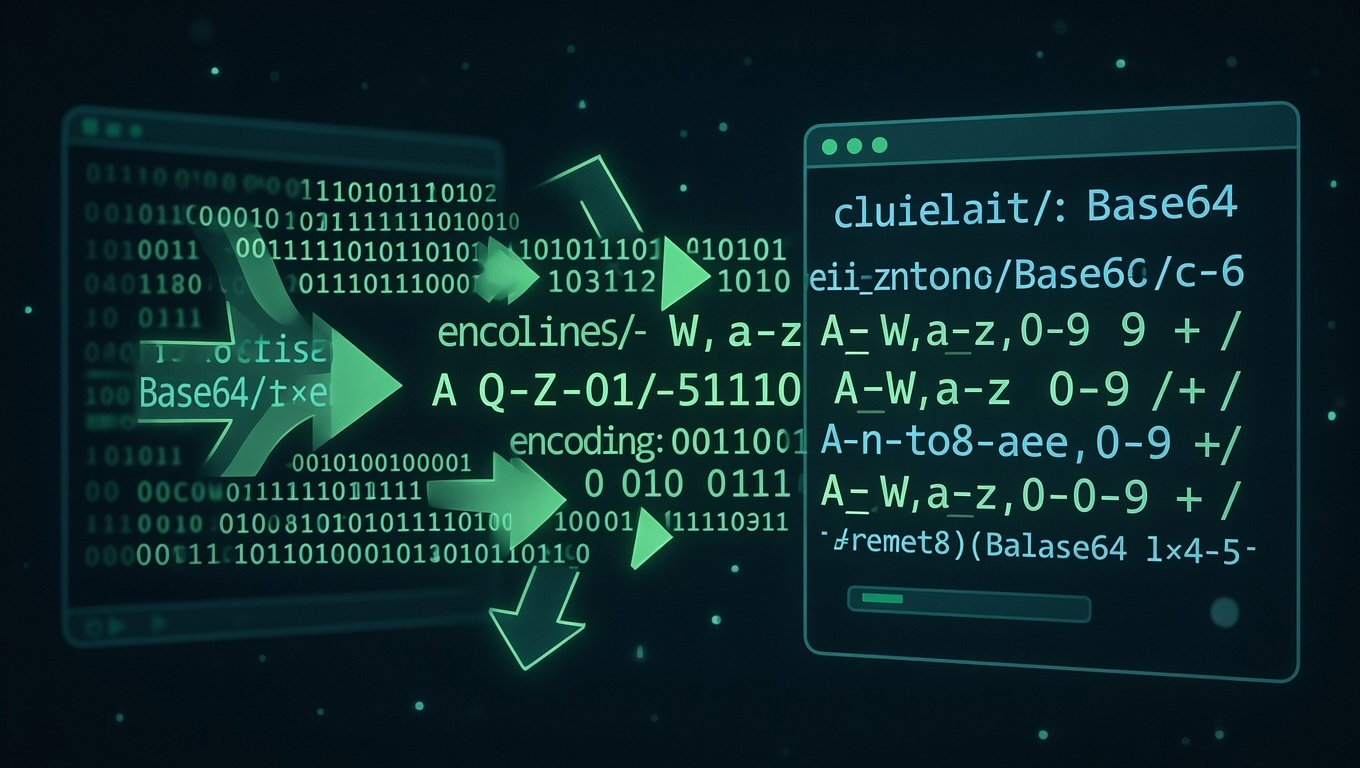
At its core, Base64 is a method of encoding binary data into a plain ASCII text format. It takes raw, 8-bit binary data (like the contents of a .png or .exe file) and translates it into a string composed of 64 different, safe characters. These characters are typically A-Z, a-z, 0-9, plus '+' and '/', with '=' used for padding.
Why do we need this? Many core internet protocols—like SMTP for email or HTTP for web traffic—were originally designed to handle only 7-bit ASCII text. To ensure data transmission remains intact and doesn't get corrupted by systems expecting text, we encode the binary into a text-friendly format. It's crucial to understand that Base64 is not encryption. It doesn't secure or hide data; it merely represents it in a different form. Anyone with a Base64 converter can easily decode Base64 back to its original form.
How Does Base64 Work? A Simple Breakdown
The magic of Base64 is in its straightforward algorithm. Don't worry; we'll keep the math light.
- Binary Input: Start with your binary data (e.g., "Cat"). Each character is a byte (8 bits). "Cat" in binary is 3 bytes: 01000011 (C), 01100001 (a), 01110100 (t).
- Regrouping: These 24 bits (3 bytes * 8) are regrouped into four chunks of 6 bits each. 6 bits can represent a number from 0 to 63.
- Indexing: Each 6-bit chunk is used as an index to look up a character in the standard Base64 alphabet (A=0, B=1, ... a=26, ... 0=52, ... +=62, /=63).
- Output: The four indices give you four ASCII characters. The word "Cat" becomes "Q2F0".
If the binary data isn't perfectly divisible by 3 bytes, padding characters ('=') are added to the end to make the output length a multiple of 4. This process is exactly what happens under the hood when you click "encode" in your favorite Base64 encoder decoder online tool.
The Base64 Alphabet in Action
Here's a quick encoding example you can try yourself in any online tool:
Original String: Hello
Base64 Encoded: SGVsbG8=
Notice the trailing '='? That's padding because "Hello" is 5 bytes, and 5 isn't a multiple of 3.
How to Use an Online Base64 Encoder & Decoder
Using a free Base64 converter is incredibly simple. Most tools follow this intuitive pattern:
To Encode (Text or File to Base64):
- Paste or Upload: Either paste your plain text string into the input box or upload a binary file (image, PDF, etc.) using the file upload button.
- Click "Encode": The tool will process the binary data and output the pristine Base64 string.
- Copy the Result: Grab the encoded string for use in your JSON, CSS, data URI, or configuration file.
To Decode (Base64 to Text/File):
- Paste Your Base64: Paste the mysterious Base64 code you found (e.g., from an API authorization header or an email source).
- Click "Decode": The tool will parse the Base64, validate its format, and convert it back.
- View or Download: If the decoded data is text, you'll see it. If it was originally an image or PDF, the tool will often prompt you to download the restored file.
It's a perfect, lossless round trip: encode -> decode -> original data.
Common and Practical Use Cases for Base64
You encounter Base64 more often than you might think. Here’s where it shines in the real world:
1. Embedding Images Directly in Web Pages (Data URIs)
To reduce HTTP requests, small images or icons can be directly embedded in HTML or CSS using a data URI. This is a Base64 encoded string of the image file.
<img src="data:image/png;base64,iVBORw0KGgoAAAANSUhEUgAAAAUA..." alt="Embedded Icon">This technique is great for small, critical assets but should be used judiciously as it increases HTML/CSS file size.
2. Sending Email Attachments (MIME)
The MIME (Multipurpose Internet Mail Extensions) standard uses Base64 to encode binary email attachments (pictures, documents) into the text-based email body, ensuring they travel safely through older mail systems.
3. API Authentication (Basic Auth & Tokens)
In HTTP Basic Authentication, a client sends a header like Authorization: Basic dXNlcjpwYXNz. The gibberish after "Basic" is often a Base64 encoding of "username:password". Similarly, JWT (JSON Web Tokens) use Base64 to encode their header, payload, and signature sections. You can quickly decode Base64 strings in tokens during debugging to inspect their contents (though the signature part remains secure).
4. Storing Binary Data in JSON or XML
Since JSON is a text format, you cannot directly include binary data like an image byte stream. The solution? Encode the binary data to a Base64 string and include that string in your JSON object. The receiving application knows to decode Base64 it back to binary.
Base64 vs. Other Encoding Methods
Base64 isn't the only game in town. How does it compare?
- Base64 vs. URL Encoding (Percent-Encoding): URL encoding (URL encoding) is for making text safe to include in a URL (replacing spaces with %20, etc.). Base64 is for converting *binary* to text. Base64 output can itself be URL-encoded if you need to use it in a URL parameter, as its '+' and '/' characters are not URL-safe.
- Base64 vs. Hex Encoding: Hex encoding represents binary data as hexadecimal numbers (0-9, A-F). It's simpler but much less efficient, expanding data size by 100% (one byte becomes two hex characters). Base64 is more efficient, with only a ~33% size increase (three bytes become four characters).
- Base64 vs. Compression (gzip): This is a common misconception. Base64 is encoding, not compression. It actually *increases* data size. For efficient transfer, you should first compress your binary data (e.g., with gzip), *then* Base64 encode it if the transport requires text.
Security Considerations and Misconceptions
Let's be unequivocally clear: Base64 is not encryption. It provides zero confidentiality. Encoding sensitive data like passwords in Base64 and sending it over the internet is like writing a secret on a postcard—it's just obscured, not secured. Anyone who intercepts it can instantly decode Base64 it.
Base64's role is compatibility and safe transport, not security. For protecting data, you must use proper encryption (like AES) and secure protocols (HTTPS, TLS). Always inspect a Base64 encoder decoder online tool's privacy policy if you're handling sensitive data; the best tools run entirely client-side in your browser.
Frequently Asked Questions (FAQ)
Does Base64 encoding increase file size?
Yes, it does. Because it represents 8-bit binary data using only 6 bits per character, the output is about 33% larger than the original binary input. This is the trade-off for text-safe compatibility.
How can I identify a Base64 string?
Base64 strings are typically a long block of alphanumeric characters ending with one or two '=' padding characters. They often lack spaces and consist of A-Z, a-z, 0-9, +, and /. Tools and libraries can validate if a string is properly formatted Base64.
Is Base64 URL-safe?
The standard Base64 alphabet uses '+' and '/', which have special meanings in URLs. For use in URLs or filenames, a variant called "Base64url" is used, which replaces '+' with '-' and '/' with '_', and omits padding '='.
Can I encode/decode Base64 in the terminal?
Absolutely! Most systems have built-in commands. On Linux/macOS, use base64 and base64 -d. On Windows PowerShell, use [Convert]::ToBase64String() and [Convert]::FromBase64String(). Online tools are fantastic for quick checks, but command-line tools are essential for scripting.
What's the difference between "encode Base64" and "decode Base64"?
Encode Base64 means converting original data (text, image, etc.) *into* a Base64 string. Decode Base64 is the reverse: converting a Base64 string *back* to the original data. An online Base64 encoder decoder handles both directions.
In summary, Base64 is the unsung hero of data compatibility on the web. From embedding images to ferrying API tokens, it solves the fundamental problem of moving binary data through text-based worlds. Understanding how to encode Base64 and decode Base64 is a small but vital skill that will make you a more effective and debug-savvy developer. Next time you see that familiar block of text, you'll know exactly what it is and how to handle it.